
How to Search Cases by Name
Begin at the official eCourts Portal and pick Smart Search for a Rutherford case. The basic field reads "Record Number or Name." For names, the Portal's Rutherford instructions call for Last, First format before you submit. One narrow name beats a broad statewide sweep. Several people may share a same name. Open Advanced Filtering Options after the basic criterion is in. Choose Rutherford as the location, then add case type, case status, or a date-of-birth range if the facts back it up.
- Enter the surname, a comma, and the first name in Smart Search.
- Submit the basic search, then open Advanced Filtering Options if more than one result appears.
- Set Location to Rutherford and add an appropriate case type, status, or date range.
- Select the underlined case number only after the result details match the court matter sought.
Public results in Rutherford mask the month and day of birth. Social Security number searching is not offered. Businesses and entities go through Advanced Filtering Options with the Business Name search type. Note the separate advanced Party Name method. It differs from Smart Search's standard name route. The official FAQ warns that it limits results and allows no wildcards.
| Field label | Type | Required | Rutherford use |
|---|---|---|---|
| Record Number or Name | Text | One basic criterion | Enter Last, First for a name search. |
| Advanced Filtering Options | Expandable control | No | Cannot run alone; use after a name or record number. |
| Location | Selector | No | Choose Rutherford to narrow statewide returns. |
| Case Type / Case Status | Dropdowns | No | Refines public civil, criminal, infraction, estate, or special-proceeding results. |
Rutherford County Case Lookup Filters
Rutherford County moved to eCourts on October 13, 2025. Smart Search is now the main route for a Rutherford County case lookup. The statewide Portal offers a few other tools for Rutherford records. Search Hearings works best when you need a current court date. NC Judgment Search gives you an index view. It is not the fuller detail of a Rutherford County Case Summary. Make Payments handles its own task. File & Serve is a filing application. It is not the public reader for a Rutherford County court docket. Set the county filter even for a case you know is local. The court system's county-code reference assigns Rutherford the number 800. That helps when you read a record-number pattern on a current docket entry. Still, the Portal is what checks the Rutherford case number you type. The code is a clue, not the validator. Anonymous searching is open to all Rutherford public users. Register, and you can save cases in My Cases. The published FAQ recommends Edge and Chrome. Some browser and operating-system combinations show Rutherford query results inconsistently. Saving a case is just a convenience. It is not an official copy and grants no new level of access. The Judicial Branch county-code publication lists the Rutherford code used across court-system conventions.
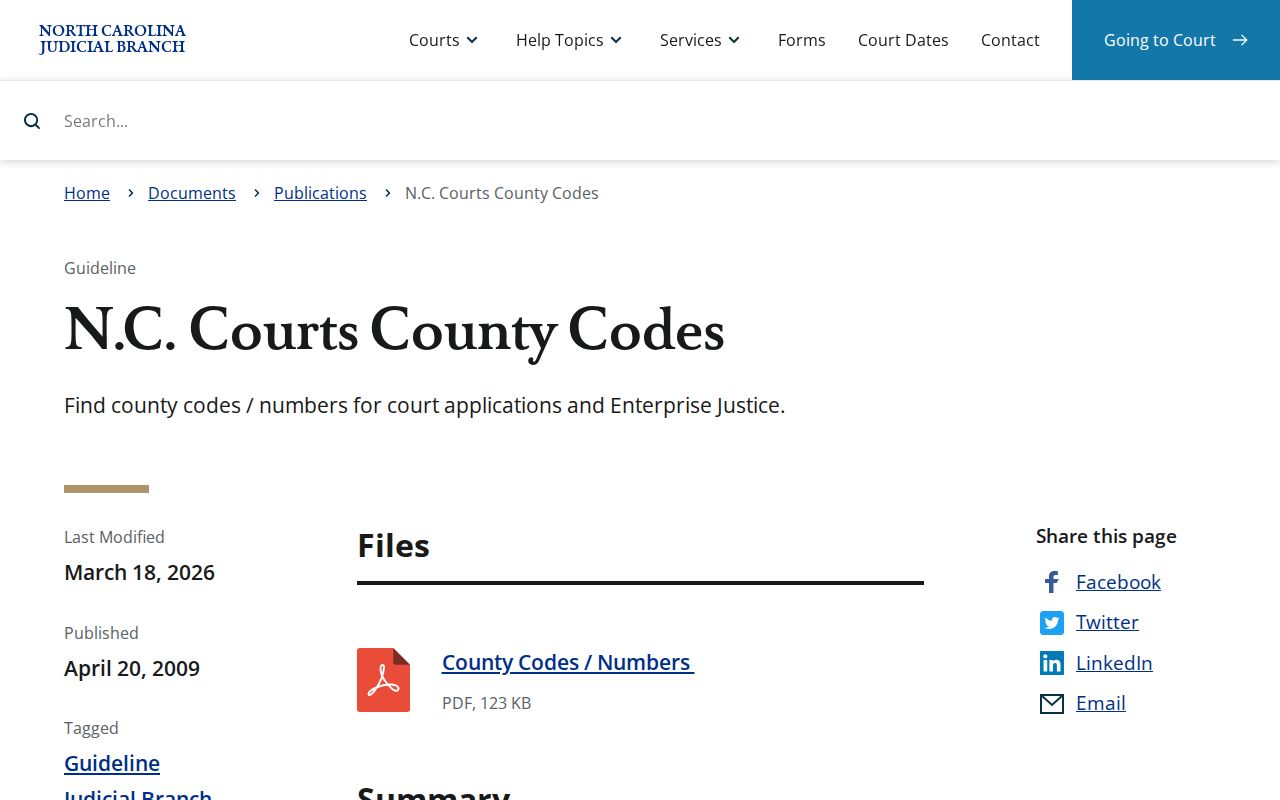
That county-code reference is an aid to narrowing a Rutherford County case lookup. A code alone is never a complete case number.
How to Search Cases by Case Number
A Rutherford record number is the most precise thing you can type into Smart Search. Copy it exactly as printed on the Rutherford citation, notice, Portal result, or Clerk correspondence. The Portal guide cites the legacy illustration 01CR123456-100. That string is not an every-case requirement after Odyssey conversion. A current Rutherford traffic illustration looks like YYIF######-800. Illustrative only, though; the number on the Rutherford case material controls. After submitting, click the underlined Case Number in the Rutherford result list. It opens the Register of Actions, called the Case Summary locally. That is the Rutherford term for the court docket. If an exact entry returns nothing, recheck punctuation, county, and formatting before concluding the Rutherford file is absent.
Rutherford County Case Search Wildcards
Smart Search takes an asterisk after the known portion of a hard-to-index Rutherford name. The FAQ requires at least three last-name characters before the wildcard plus one first-name character before its wildcard. Case-number wildcards in a Rutherford case-number search need four characters first. A business-name wildcard fails if its first three characters hold a space, number, or special character. These caps explain many a Rutherford no-result screen. They do not mean the Rutherford court has no file. Smart Search also stops at 200 results. Never grab a random name from a capped list. Add location, case type, status, a date criterion, or a fuller name instead. The Rutherford file still will not surface. The Rutherford Clerk's public terminal and official file are the practical fallback. For matters in the federal system, the PACER Case Locator is a separate federal index.
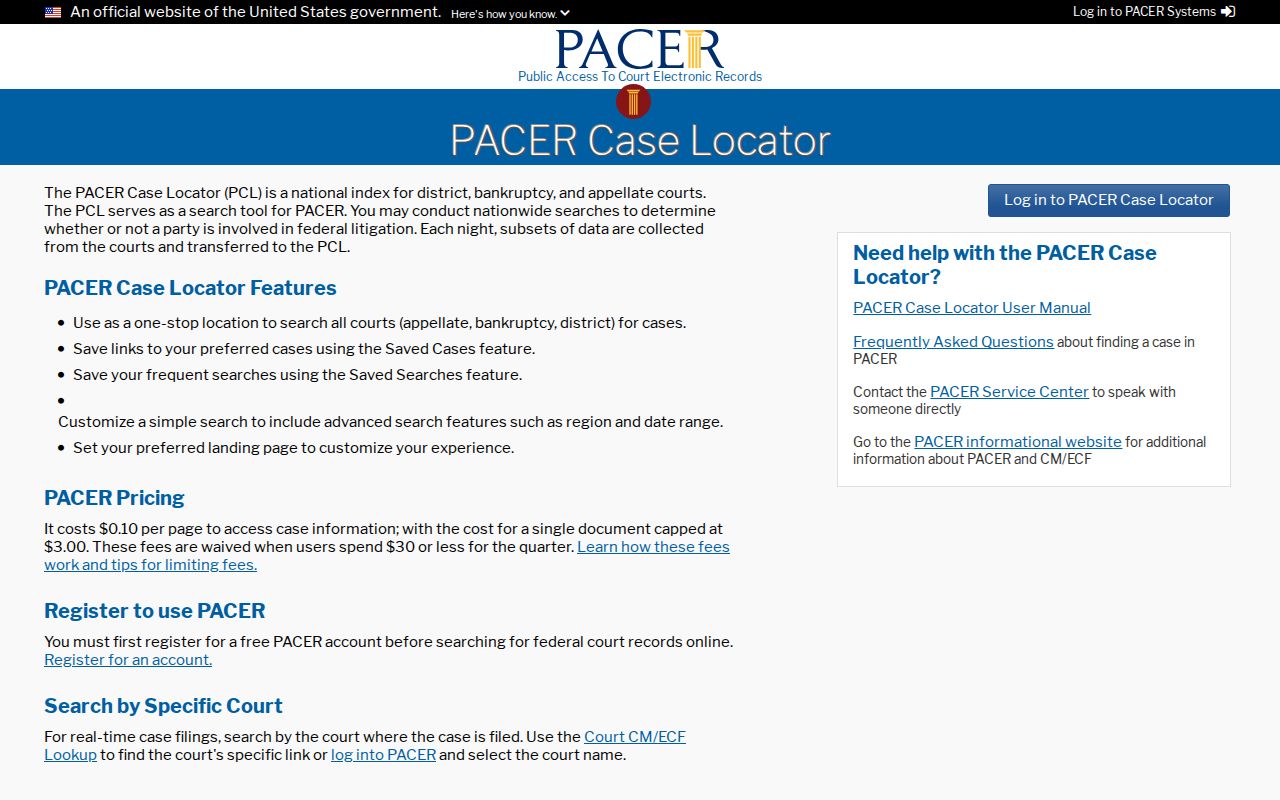
A federal result lives in the federal docket channel. It will never appear in the Rutherford County Register of Actions.
What a Case Search Shows
An opened Rutherford Case Summary is a public chronology and index. It is drawn from the Clerk's official record. Sections populate as they apply, so no fixed field set appears on every Rutherford case. Case Events lists dated public activity. Rutherford Search Hearings gives the best current setting result. Public documents may be linked one at a time. A missing section does not prove that no hearing, balance, or filing exists.
| Case Information | Rutherford record identity and basic case-level details. |
|---|---|
| Assignment / Party Information | Public assignment and party material when available and not restricted. |
| Causes of Action | Applicable civil, family, probate, or mental-health category information. |
| Case Events / Dispositions | Rutherford public chronology and the recorded resolution or status. |
| Hearings / Financial Information | Sections displayed when populated; confirm current court instructions with Search Hearings or the Clerk. |
Rutherford County Case Lookup History
Rutherford County went live on eCourts in October 2025. Its public docket route now runs through the statewide Odyssey system. Older matters that predate the switch carry records converted from earlier Rutherford files. Some of those converted events show a 12:00 a.m. time. Treat that as an artifact of the conversion. It does not mean a Rutherford hearing actually happened at midnight. Before you conclude anything about timing, read the event text, the filed documents, and any later hearing entries in the docket. Federal cases work differently. PACER’s official fee information lays out that separate access model with its own charges.
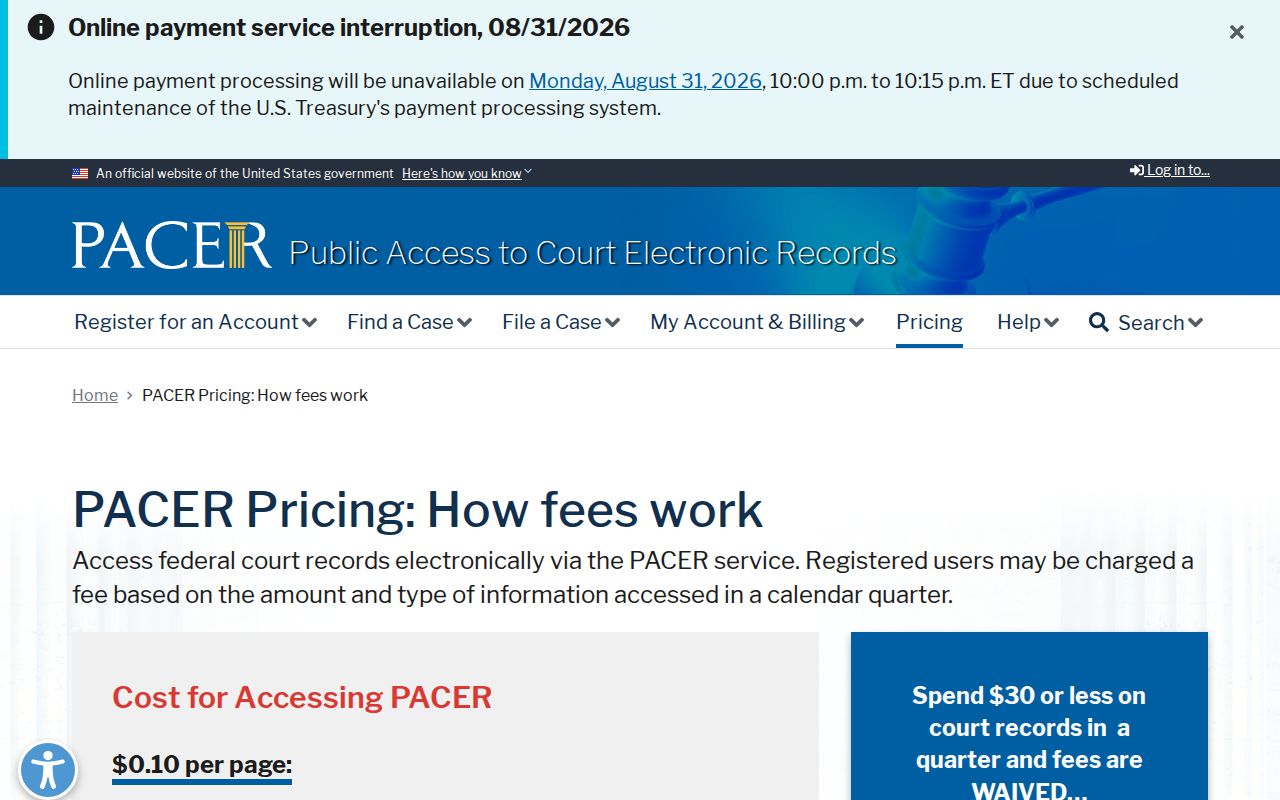
For Rutherford County state-court records, the free eCourts Portal is still the public starting point. Federal matters follow their own separate rules and offices. And a legacy time stamp on an older Rutherford entry deserves a second look. Read the event and the surrounding case history. Only then treat that stamp as a real courtroom time.
County vs Statewide Case Search
There is no separate Rutherford County web portal. The eCourts Portal covers the whole state. Use Smart Search and narrow it to Rutherford. When the case number appears underlined, click it to open the local Register of Actions. That pairing gives you statewide docket search power over cases the Rutherford court actually holds. A screen print still is not an official record. For an authenticated copy, a chance to inspect the file in person, or anything the public display leaves unsettled, contact the Rutherford Clerk of Superior Court.
| Portal search | Rutherford Clerk route |
|---|---|
| Free public Smart Search across eCourts counties, with a Rutherford location filter. | Official local custodian for Superior Court and District Court files. |
| Register of Actions, public documents when available, hearing search, and judgment index. | Public terminal, paper-file inspection, copies, and certification where allowed. |
| Useful for finding a case number or public status. | Needed for official copies or a web-search fallback. |
Rutherford County Case Search Fallbacks
When a Rutherford County docket search stalls, work a short fallback ladder. Start with the basics: name order, spelling, location, and the 200-result limit. Next, try the exact case number. Or use Search Hearings to pull up a current setting. Still nothing? Call the Rutherford Clerk of Superior Court at (828) 288-6100. Or visit Suite 203 at 229 N. Main St., Rutherfordton, NC 28139, Monday through Friday, 8:30 a.m. to 5 p.m. State guidance confirms Clerk offices offer public self-service terminals and access to the county file.
A document can fail to load for three common reasons. It is restricted. It has not been uploaded. Or the file is simply too large to open. If you hit the documented large-file error, the Portal FAQ tells you what to do. Contact the Clerk and ask whether the document can be split into smaller files. That practical step works with the court record instead of forcing a different search route.
The Portal is free, and public users may search anonymously. Registering an account lets you save cases in My Cases. But it unlocks nothing sealed or confidential. Licensed Remote Public Access is something else entirely. It is a statewide arrangement for licensees who need bulk or real-time data rather than an ordinary public case lookup. The Judicial Branch Remote Public Access program describes that licensed service in full.
The public Portal, terminal, and Clerk remain the ordinary Rutherford County case lookup paths.
Restricted Cases and Access Rules
Public access to Rutherford County court records has firm limits. Juvenile files are withheld from public inspection under G.S. 7B-3000. Sealed and expunged matters never appear as ordinary Portal records. Protective-order rules can narrow what the docket shows. So can unreturned warrants, confidentiality designations, and sensitive personal information. A Rutherford no-result display might stem from a spelling slip or a format problem. It might also stem from a case outside your chosen scope or a lawful restriction.
The Clerk maintains prescribed files, dockets, and indexes under G.S. 7A-109, always subject to laws that bar access. Asking for restricted material requires legal authority the court recognizes. No workaround exists. A new spelling will not bypass a restriction. A new account or a different Portal feature will not either.
Rutherford County Case Lookup Results
Save NC Judgment Search for when you want the judgment index itself. It accepts a name or case number. It filters by location, case type, status, and judgment date. What you see may include the case number, the parties, the status, the index date, and judgment comments. For the fuller history, go back to Smart Search and the Register of Actions. Current payoff figures come from the Clerk, not the index.
End every Rutherford case lookup in the right channel. The Portal gives public status. Search Hearings gives a setting. The Clerk gives an official record. The related Rutherford County court record search page explains copies, certification, and how to request documents.