
Rutherford County Court Calendars Explained
Rutherford County sits in North Carolina's unified system. It is served by Rutherford Superior Court District 41 and Rutherford District Court District 41. Two tools do different jobs here. The Rutherford civil and criminal calendar interfaces give county schedule context. The Register of Actions lists public case events. Portal Search Hearings returns current settings once its required criteria are filled in. For a Rutherford court date, go to the hearing tool first. Then use the Rutherford court calendar and docket to learn the background behind the setting.
The local Rutherford court page links a civil calendar, a criminal calendar, and statewide court-date resources. One thing it lacks is a static countywide document. No single file could serve as the full schedule anyway. Court dates in Rutherford shift through orders, continuances, closures, and case-specific action. So treat a calendar heading or an older notice as a lead. Never treat it as final confirmation.
Rutherford County Court Date Fallbacks
Rutherford's local administrative schedules page states, "Master Calendars: none at this time." That notice does not end a court-date search. It simply points visitors elsewhere. The page routes readers to the Rutherford civil and criminal calendar channels and the state court-date tools. The practical order is Portal Search Hearings first, the county-filtered calendar interface second. After that come the Rutherford Clerk or the right Rutherford court routing line. Turn to those if a web result is unclear or a setting does not appear.
At the courthouse, staff can direct you to the Rutherford Clerk's records or cashier counter. They can also point to any locally posted Rutherford calendar. State guidance also backs public self-service terminals in a Clerk's office. Do not count on a printed daily calendar, text reminders, or a separate local scheduling app. A static master PDF or daily handout may simply not exist.
The Rutherford local schedules gateway is the official page. It carries that no-master-calendar notice and the calendar routes linked beside it.
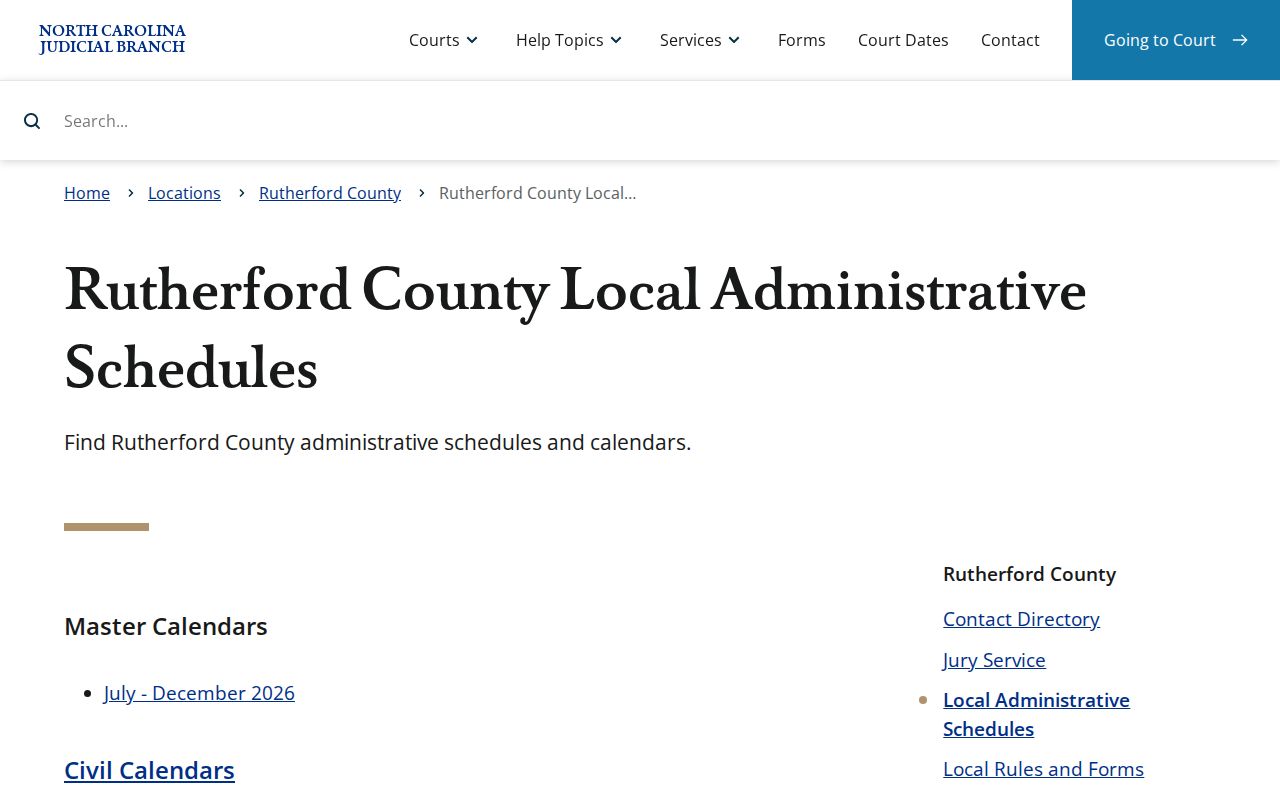
Think of the Rutherford page as a routing point, not a case database. Pair it with Portal Search Hearings and the Rutherford Clerk.
Finding Your Court Date
Start with the case number printed on your Rutherford notice or citation. It is the most reliable fact you can bring. In the Rutherford eCourts Portal, Search Hearings asks for a Location, Hearing Type, Search Type, a matching criterion, Date From, Date To, and Submit. Pick Rutherford as the Location. Smart Search still helps for opening the Rutherford Register of Actions and comparing its Hearings and Case Events sections. Search Hearings stays the focused tool for an upcoming setting, though. A dated docket entry may only record a past notice, continuance, or hearing.
If online answers fall short, call the Rutherford Clerk of Superior Court at (828) 288-6100. For court-specific setting questions, Superior Court routing is (828) 288-6116. District Court routing is (828) 288-6179. The in-person fallback is the Rutherford Clerk's counter and public terminal. You will find them at the Rutherford County Courthouse, 229 N. Main St., Suite 203, Rutherfordton, NC 28139. Courthouse hours run weekdays from 8:30 a.m. to 5 p.m.
- Keep the Rutherford record number, case caption, citation, or court notice that identifies the setting.
- Open Rutherford Portal Search Hearings, select Rutherford and the hearing type, then choose a Search Type.
- Enter the corresponding Rutherford case, party, business, attorney, judicial-officer, or courtroom criterion with a Date From and Date To range.
- Submit the search and compare the result with the Rutherford Case Summary’s Hearings and Case Events sections.
- Check the Rutherford civil or criminal calendar for schedule context, then call or visit the Rutherford Clerk if the result is absent or uncertain.
Rutherford County Court Date Tool
Search Hearings is the Rutherford eCourts Portal workflow built for current time-and-location queries. Its fields give more detail than a general name lookup. Location is required, along with Hearing Type and Search Type. Depending on the method chosen, the criterion can be a case number, party name, business name, attorney name, attorney bar number, judicial officer, or courtroom. The state guide shows Date From and Date To as part of the illustrated workflow. Results can be sorted, but if you need call order, ask the Rutherford courtroom clerk. Then run a focused single-day courtroom search.
One limit matters here. Portal results do not say whether every Rutherford hearing is virtual or in person. A virtual event may carry an outside link. That link alone does not grant remote appearance permission. Confirm appearance instructions with the Rutherford court. Do not appear by video just because a result includes a link.
| Search Hearings field | Rutherford court-date use |
|---|---|
| Location | Required. Select Rutherford for the county scope. |
| Hearing Type | Required. The option list is dynamic in the Portal. |
| Search Type and criterion | Required. Choose case number, party, business, attorney, bar number, judicial officer, or courtroom. |
| Date From / Date To | Required in the documented workflow to narrow current hearing results. |
| Sort columns | Optional. Use a focused courtroom search after asking the courtroom clerk about call order. |
How to Read a Court Setting
Start with the date and time. That is when the court plans to hold the event. Then look at the courtroom or location, the setting type, and the case reference. A docket entry without those pieces tells only part of the story.
The type label can be an arraignment, pretrial, motion hearing, civil session, trial setting, traffic court event, disposition, or sentencing event. Each label describes the event's role. It does not make an older date current. Compare the search result with the Case Summary. A later event may explain why the setting changed.
| Date | The scheduled calendar date returned for the matching hearing; confirm it after any notice or change. |
|---|---|
| Time | The scheduled time for the matching result, which can differ from a general calendar pattern. |
| Courtroom or location | The selected or returned venue information; call the court when a room or location remains unclear. |
| Judge or judicial officer | A Search Hearings criterion when selected; the published guide does not promise this field in every result configuration. |
| Setting type | The Hearing Type or procedural event, such as arraignment, pretrial, motion, civil session, trial, traffic, or sentencing. |
Criminal cases often stack settings on top of each other. An arraignment or pretrial setting can be followed by a new hearing. In a civil matter, the local calendaring process can move a session or trial setting. So trust the current matching result, not the name of the event alone. That is the practical next check.
Rutherford County Court Date Search Fields
Date From and Date To are the span controls in Search Hearings. They narrow your court docket results to a period that matters. Pair them with Location, Hearing Type, Search Type, and your matching criterion. A tight range cuts down unrelated same-name results. A wider range helps when you do not know the exact setting date. Have a court notice or citation in hand? Use its date as the starting point. There is no universal number of days to search. So pick a practical range. Refine it if the Portal returns too much or too little.
- Case Events
- The dated public history in the Register of Actions, which can explain how a setting changed.
- Hearings
- A populated Case Summary section that complements the focused Search Hearings workflow.
- Continuance or reset
- A moved prior setting; it calls for a new hearing search rather than reliance on the old date.
Do not guess your way through a court date search. A case number that looks wrongly formatted should be re-entered exactly as shown on the notice or Portal. For a name search, you need the right court, a sensible date range, and the case context to tell which matching public record is truly yours.
Rutherford County Court Date Call List
The Portal has sortable columns, but a courtroom call-order question needs a narrow method. Ask the courtroom clerk first. Then use Search Hearings to pick the specific courtroom. Limit the search to one day and sort the results. A broad county calendar cannot tell you the order. It cannot show the order a courtroom uses to call its cases.
This method works only after the current setting is known. It does not replace the case-specific notice, a court order, or direction from the court.
Continuances, Resets, and Cancellations
A continuance simply slides a case to a new day. The old setting does not vanish, though. Rutherford County's historical Case Events list may still show the earlier notice, hearing action, or order, but treat that history as a trail, not proof the date still stands. If something looks off, run Search Hearings again. Then open the Register of Actions for anything filed later. When results conflict, confirm the room and time. Go through the Clerk or the court's routing screen. Local rules and the broader General Rules of Practice shape civil procedure here, yet the case docket and its hearing result stay the best source for the date that actually governs today.
Courthouses sometimes close, and sessions get cancelled. The state Court Dates hub tells people in that spot to expect a rescheduled case, usually with notice by mail, and to reach out to the county Clerk once normal hours return. Rutherford County appeared in a 2024 emergency deadline order. That order has passed; it is not a standing rule now. Its lasting lesson is simpler. During any disruption, read the actual order and the current court notice before assuming anything about your hearing.
For a quick check, the Judicial Branch Court Dates hub pulls things together. It covers Portal search, county calendars, local schedules, closures, and missed-date guidance in one place.
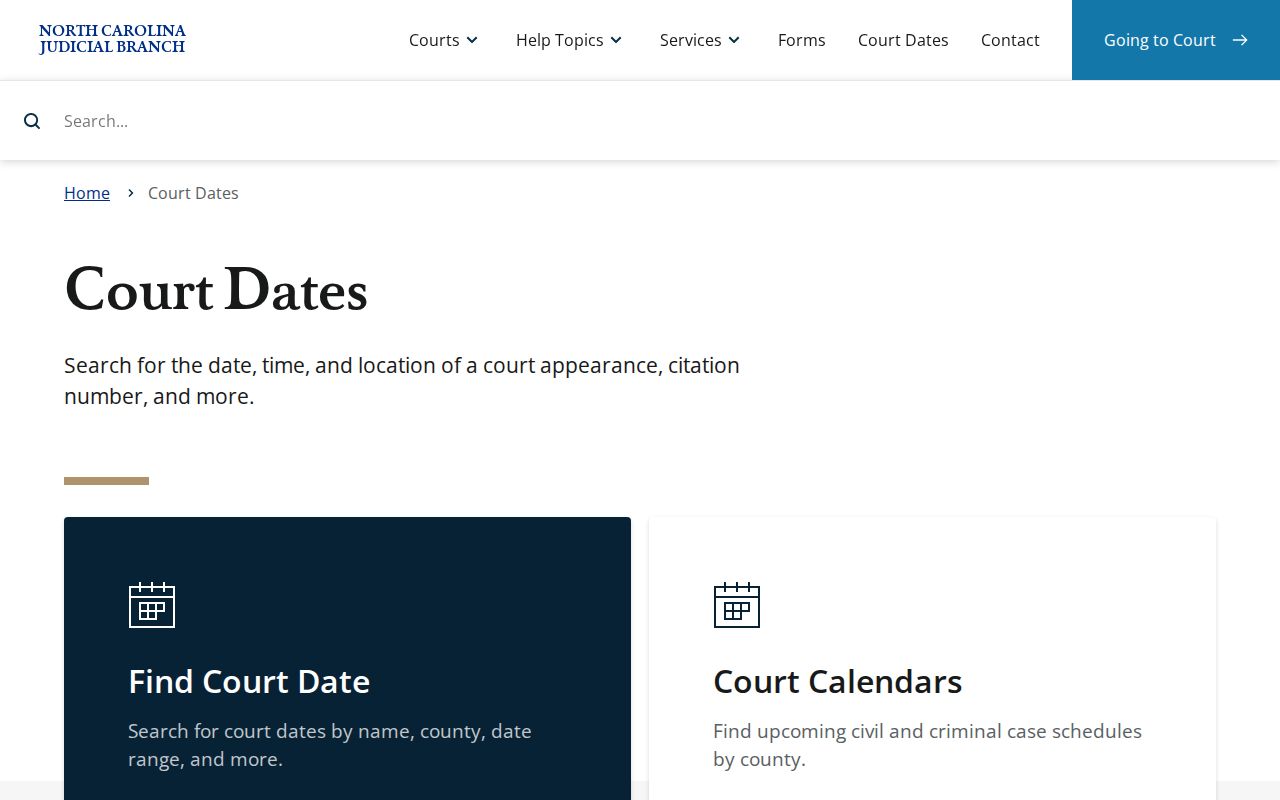
Follow the hub's closure and rescheduling instructions along with a case-specific hearing search. A generic calendar pattern is not a substitute for your own docket result.
Rutherford County Calendar Search Choices
Three public sources work together. They are not interchangeable. Portal Search Hearings gives current matching location and time results. Smart Search opens the Register of Actions and explains the fuller case history. The civil and criminal calendar interfaces publish the county schedules. Rutherford's local schedules page links to those interfaces. It says no master calendars are posted. Know each tool's job. That keeps you from treating the wrong screen as the final answer to a court-date question. For criminal matters, the Rutherford-filtered criminal calendar interface is the published criminal schedule channel.
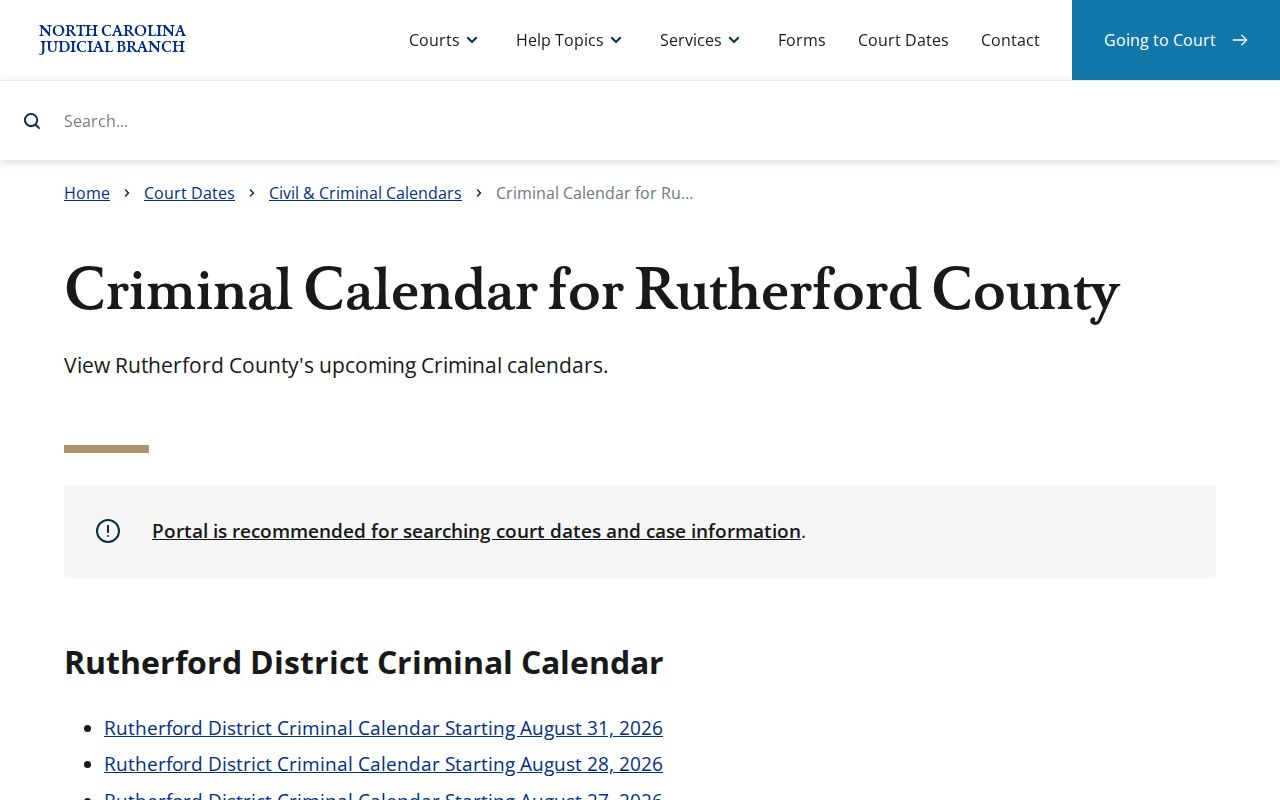
It supplies criminal calendar context, while Search Hearings and the Clerk settle the case-specific next setting.
| Source | Best Rutherford court-date use |
|---|---|
| Search Hearings | Find current matching hearings by required county, type, criterion, and date range. |
| Smart Search Case Summary | Read public event history, populated hearings, dispositions, and related case information. |
| Civil or criminal calendar | See county schedule context by case category. |
| Clerk and courthouse | Resolve uncertainty, request a record, inspect a file, or ask about locally posted information. |
If You Miss a Court Setting
Missed a setting? Contact the Rutherford Clerk promptly and ask about the local rescheduling procedure. The statewide Court Dates guidance sends people with missed dates to the county Clerk. Call the main Clerk number, (828) 288-6100. You can also use the right Superior or District Court routing line when your question is about a court setting specifically. Then check Search Hearings. Check the Case Summary too for current public information. Consequences vary with the case type, any court order, and where the case stands procedurally.
Missed-setting flag. Do not assume an old date remains open or that a general calendar pattern fixes a missed appearance. Contact the Clerk or the court promptly and follow any existing order, notice, or counsel’s direction for the specific case.
With a traffic or infraction citation, keep the printed citation in hand. It can carry a case-specific appearance instruction. Check the District 41 master calendar. It runs July through December 2026. It lists Rutherford traffic court as generally each Monday at 1 p.m. in Courtroom 1. Still, a citation or current hearing result outranks that recurring pattern.