
Searching Rutherford County Civil Dockets
The eCourts Portal Smart Search is the way to pull public Rutherford County civil records. Type an exact record number if you have one. With a name, enter it Last, First; the Advanced Filtering Options unlock only after a basic criterion is entered. Set the location to Rutherford so a statewide search stops drowning you in other counties. Click the underlined case number to open the Register of Actions, the same thing as the Rutherford Case Summary. The Portal is free. It is not, however, the official record.
A broad name search can hit the Portal's 200-result cap. Tighten it with civil case type, case status, filing date, or a date-of-birth range. Public results hide the month and day of birth. Smart Search is a good window into a Rutherford case. A sealed or restricted matter stays invisible to it. If a lookup fails, check spelling, find a better record number, or visit the Rutherford Clerk's counter and public terminal at the courthouse.
- Open Rutherford Smart Search and enter a civil record number or a Last, First name.
- Choose Rutherford in Location before relying on a statewide name result.
- Apply a Rutherford civil case type, status, or date filter to reduce a broad search.
- Select the linked Rutherford case number to open the Register of Actions or Case Summary.
- Use Rutherford Search Hearings for a present setting and the Rutherford Clerk for a court-authenticated copy.
Rutherford County Civil Docket Filters
Rutherford Smart Search has civil menus. They tell you what kind of matter you are looking at. Published case types include Bond Forfeiture, Civil Foreclosure (CV), Civil Foreclosure (M), Civil General, Civil Magistrate, Confession of Judgment, Non-Domestic Restraining Orders, and Summary Ejectment. Treat these as filters and labels, never as a promise that every file is public. The filters only run after a basic record number or name is supplied.
Statuses help narrow things too, though they need context. The list runs Pending, Appealed, Reopened, Stayed, Trial De Novo, Unserved, Small Claims Appeal, Transfer to Another County, Transferred to Superior Court, and several Disposed options. A status label is not the whole story. Open the Rutherford Case Summary and the public order. That beats assuming what a disposition actually means.
| Portal filter | Use in a Rutherford civil docket search |
|---|---|
| Location | Select Rutherford to focus a statewide search on the Rutherford court file. |
| Case Type | Distinguishes Rutherford Civil General, Civil Magistrate, foreclosure, summary ejectment, and other published categories. |
| Case Status | Helps narrow Rutherford pending, appealed, stayed, reopened, transfer, and listed disposition results. |
| Filing date or DOB range | Optional further filters after a Rutherford name or Rutherford record-number criterion is entered. |
Inside a Rutherford County Civil Docket
The public Case Summary reads like a court docket. It is laid out in order and drawn from the Clerk's official record. Case Information and Assignment Information tell you which Rutherford case and division you are in. Party Information lists the public parties, subject to restrictions. Civil files can also carry Causes of Action, a section criminal cases usually lack. Case Events hold the entered history. Hearings and Financial Information show up when populated. Print the summary if you like, but printing it does not create a certified record.
| Case and assignment | Identifies public Rutherford case-level information and the court or Clerk assignment when populated. |
|---|---|
| Party Information | Lists public Rutherford parties and roles subject to restriction and redaction rules. |
| Causes of Action | Applies to Rutherford civil-appropriate categories and identifies the public claim classification. |
| Case Events | Rutherford chronology may show complaint, service, answer, motion, notice, order, setting, trial, and post-judgment activity. |
| Dispositions and Hearings | Shows documented Rutherford outcome categories and populated settings; Rutherford Search Hearings is the current-date check. |
Portal documents appear only when they are public and uploaded, and each one downloads on its own. When a public document will not open or is not online, the next stop is the Rutherford Clerk's file. That is a real record channel, not a dead end.
Rutherford County Civil Docket Divisions
One office rules them all here. Rutherford has a single Clerk of Superior Court. It does not keep separate civil clerks for each trial division. Rutherford Superior Court takes civil cases above $25,000. Rutherford District Court handles lower-dollar civil matters within its statutory jurisdiction. Magistrates take small claims below $10,000, summary ejectment, and other statutory matters. Estates, guardianships, foreclosures, incompetency matters, and special proceedings fall to the Clerk. That Clerk works within the same unified office.
Assignment varies, then, but the record keeper does not. The Rutherford Clerk holds the files for Superior Court, District Court, magistrate, and Clerk matters alike. A small-claims appeal can show up as a civil status, while a Rutherford District Court criminal appeal travels a different route. Before trusting a court label, read the Assignment Information and the public case events. The Judicial Branch's Superior Court explanation lays out the statewide jurisdiction that covers Rutherford's higher-value civil cases.
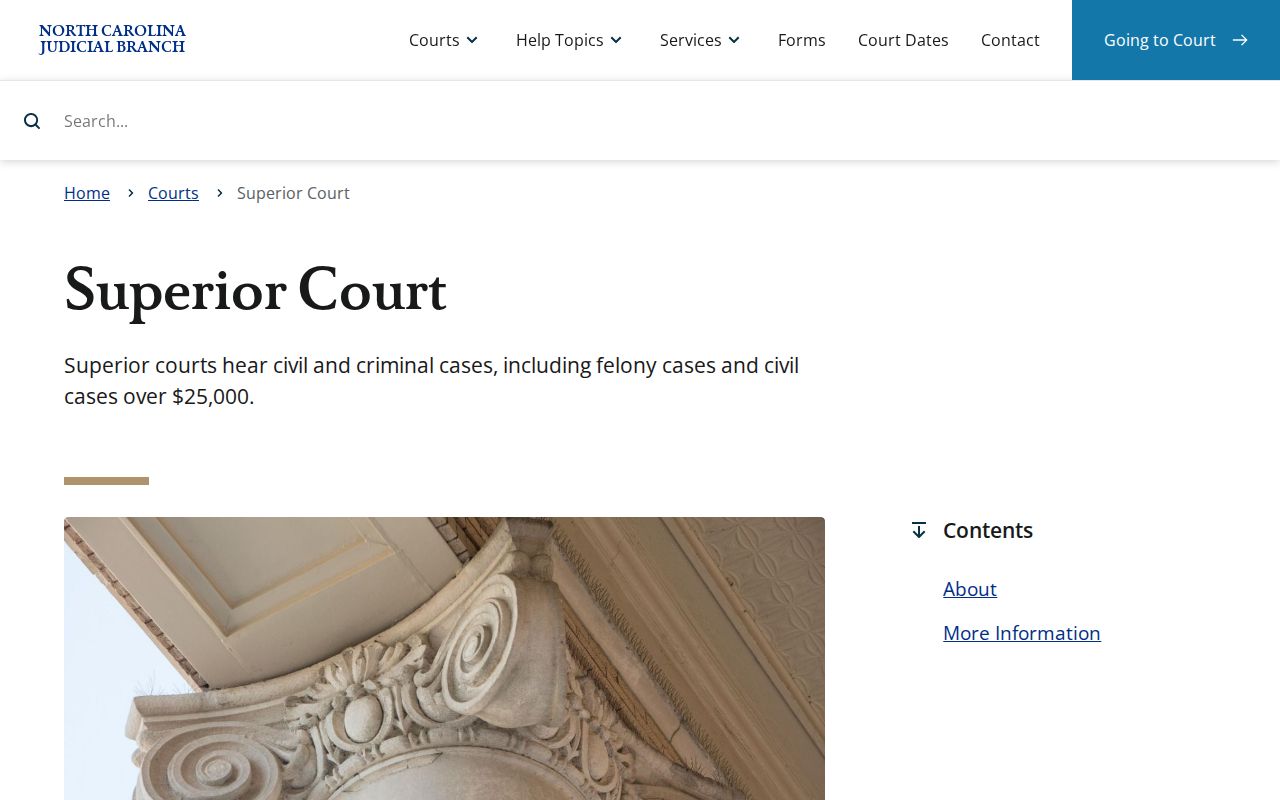
The court split tells you where a docket lands. For an official copy of a civil case, the Rutherford Clerk is still the direct source.
Civil Case Types on the Docket
A Rutherford civil docket search can turn up plenty. Ordinary civil actions, foreclosure classifications, Civil Magistrate records, summary ejectment, non-domestic restraining orders, and judgments and Clerk proceedings all appear. A classification helps you pick Portal filters. It cannot predict the facts, the relief sought, or where a case stands today. The Register of Actions answers those questions. It offers its own Case Events, Causes of Action where they apply, and Dispositions when populated. When comparing record types, the official channel matters more than the name of the dispute.
| Rutherford civil record type | Public search and record path |
|---|---|
| Civil General | Search Portal by record number or party, then review the Case Summary and the Clerk file if a document is needed. |
| Civil Magistrate or Summary Ejectment | Use the same Portal and unified Clerk route; a small-claims appeal can later show as a civil status. |
| Foreclosure or special proceeding | Look for the appropriate Portal category and confirm the court-file record with the Clerk. |
There is no separate Rutherford civil portal organized by case type. The Portal, the civil calendar, and the Clerk's public terminal are the channels that exist.
Rutherford County Civil Case Summary Terms
A few Case Summary labels deserve a closer look before you scan a Rutherford County civil docket. Causes of Action names the claim category: civil, family, probate, or mental-health, when that section appears. Case Events walk the timeline in order. Think service, a filing, a setting, or an order. A disposition records a resolution or status, though it may say nothing about money. Financial Information can show up too. Keep one caution in mind. The NC Judgment Search tool is only an index, not the complete current file.
- Unserved
- A published civil status that indicates service has not been completed in the record’s current classification.
- Stayed or Reopened
- Published civil status terms that signal the case path changed after an earlier event.
- Disposed–Post Disposition Activity
- A published category showing that later activity can exist after a disposition label.
Chasing a judgment amount? Check the public index against Smart Search and the Clerk's record. The index figures come from original judgment information, so confirm current amounts with the Clerk before relying on them.
Civil Docket Settings and Hearings
The Portal's Search Hearings tool is the place to begin. Pick Rutherford as the Location. Then set a Hearing Type and a Search Type. Add whatever fits your case: a case number, party, business, attorney, judicial-officer, or courtroom criterion. Enter Date From and Date To, submit, and the tool returns matching current hearings. A civil calendar helps frame the schedule. But it cannot replace the current setting on a specific case. A prior notice or a continuance is never proof of the next court date.
Rutherford's civil calendar is available through the official county-filtered civil calendar interface for the broader view. It loads with Rutherford as the county preset. Civil is the type preset. The public Calendar and older Case Events entries can help explain how a case got to where it is. If that JavaScript interface fails, leaves out a setting, or clashes with a court notice, fall back on Search Hearings. Call the Clerk or the relevant court routing line.
The official Rutherford civil calendar interface shows the civil schedule. The courts publish it for civil matters in the county.
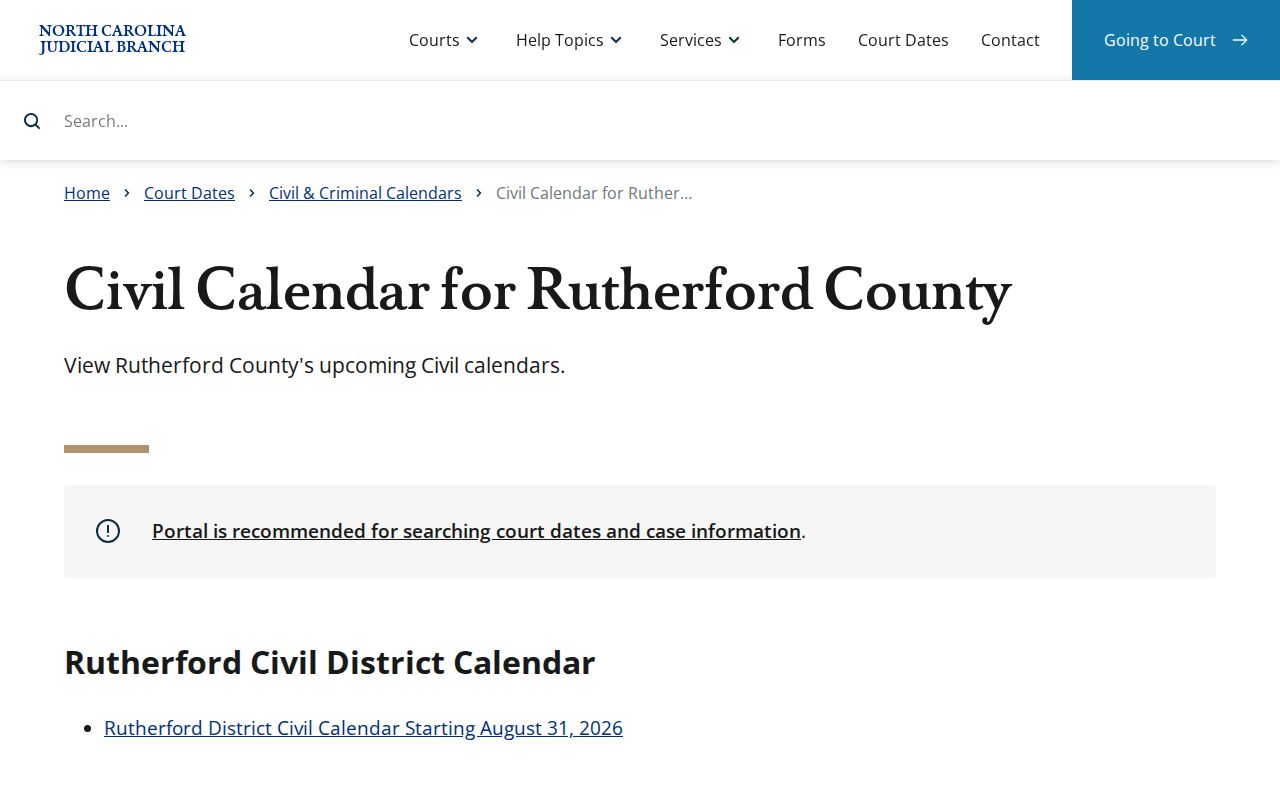
Read the calendar for schedule context. Then confirm the real setting through a case-specific Portal hearing result.
Rutherford County Civil Calendar Rules
Local scheduling works alongside the statewide Portal. The Rutherford local rules and forms page links the McDowell/Rutherford Superior Court civil rules. It also gathers a District Court continuance policy, juvenile and domestic materials, and local telephone routing. The General Rules of Practice supply the broader framework for civil calendaring, continuance, and sealing. A continuance changes a setting; it does not dismiss anything. Once a request or order moves a civil hearing, search for the newer hearing. Do not trust the original calendar entry. The Rutherford local rules and forms directory is the official starting point for that local rule set.
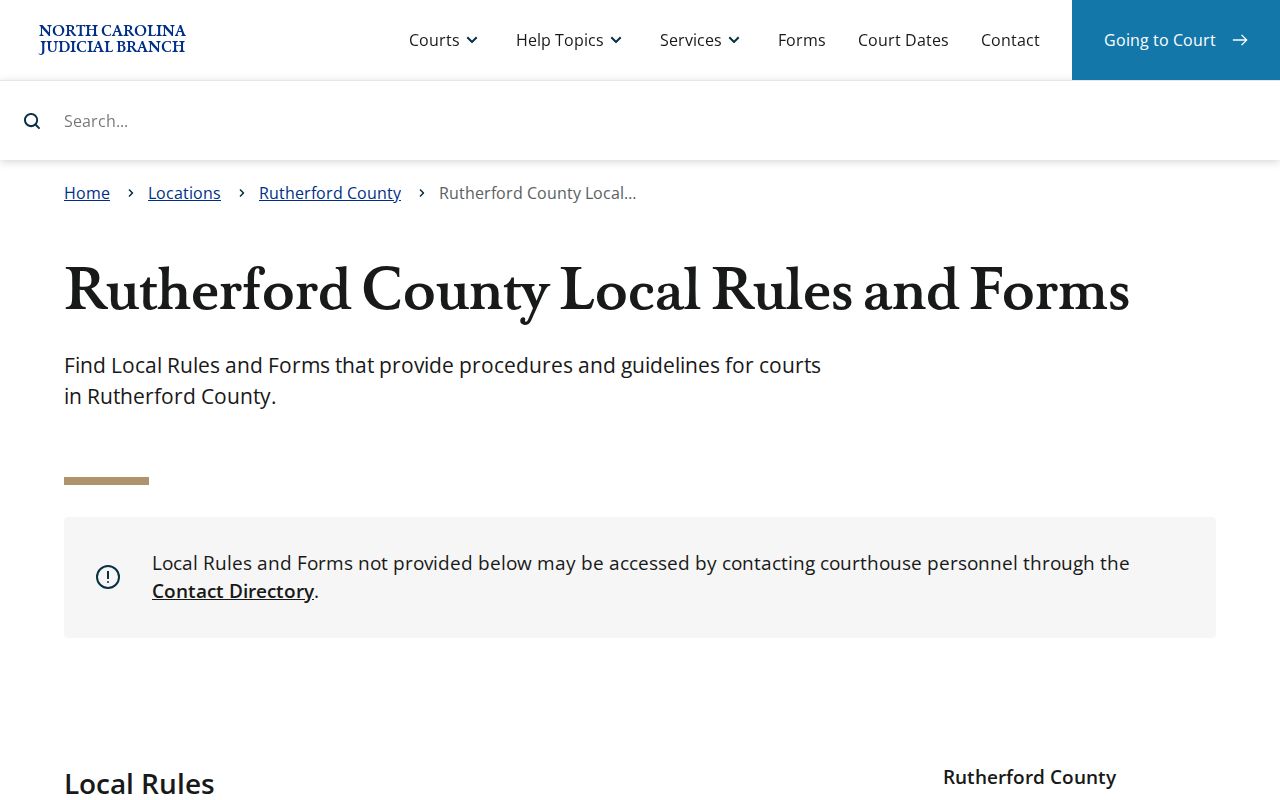
That page gives you the local rule route. The current setting still comes from Search Hearings, a notice, or the Clerk. The General Rules of Practice page lays out the statewide framework for Superior and District Court procedure.
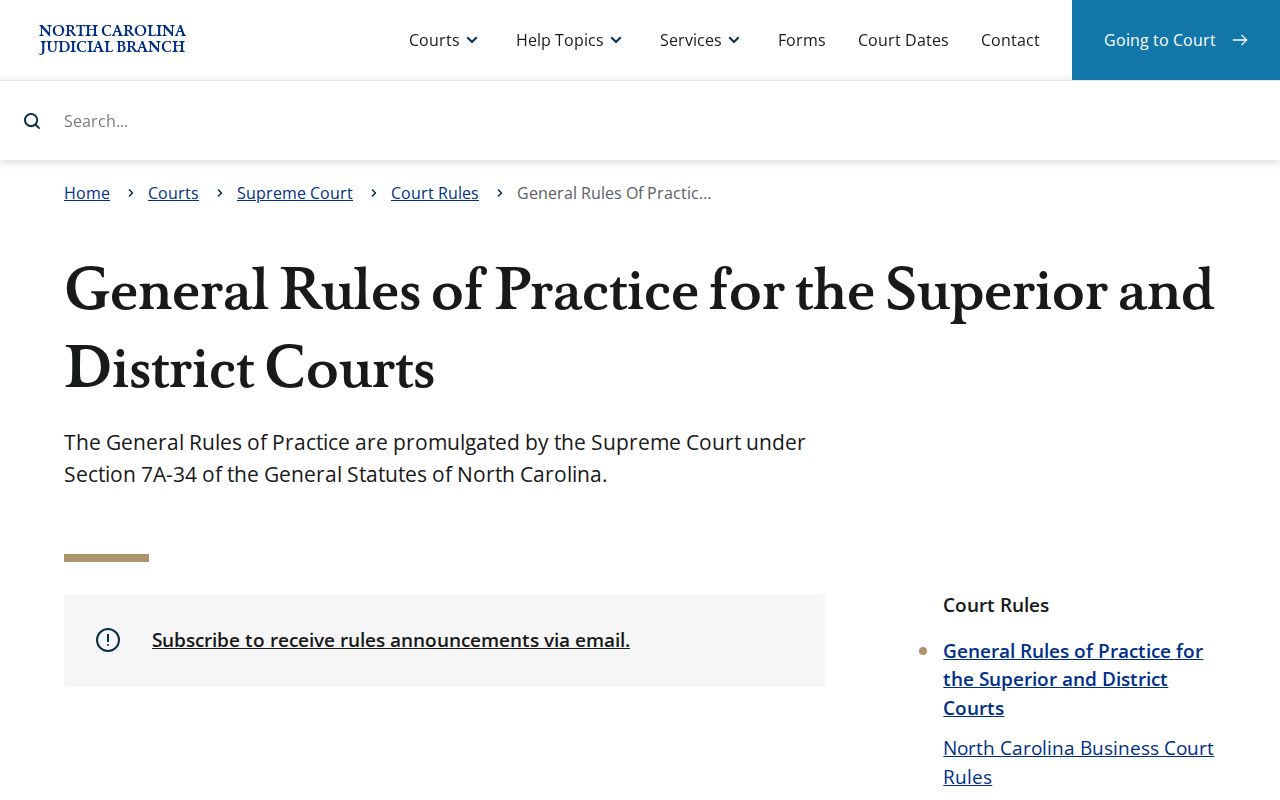
These rules frame procedure only. They never replace Rutherford's docket entries or hearing results for a specific case.
Civil Docket Access Rules
G.S. 7A-109 puts prescribed dockets, files, and indexes with the Clerk. It opens them to public inspection unless access is prohibited. The Portal gives free access to public Case Summaries and public documents when available. The Portal FAQ says it plainly. The Portal is not the official record. Juvenile, sealed, expunged, confidential, and sensitive material may be restricted or redacted. North Carolina Rule 27 starts from open filing. It then allows a motion process for provisional sealing. Limited redaction is also possible where appropriate.
Access boundary. A missing online document may be restricted, not uploaded, or too large to open. It does not authorize a work-around, and it does not prove the Clerk has no record.
No Portal? Go in person. The Clerk's office and a courthouse terminal support public inspection, and the Clerk can issue copies under the statutory fee schedule. The NCAOC public-record request route covers only agency-held records. It is not the custodian of Rutherford case files.
Rutherford County Civil File Copies
The Rutherford Clerk of Superior Court holds the civil files. These cover records filed in the county. Visit at 229 N. Main St., Suite 203, Rutherfordton, NC 28139. The main number is (828) 288-6100. Listed weekday hours run 8:30 a.m. to 5 p.m. The Rutherford court contact directory gives the official routing. Call first for a targeted document request. The office posts no copy-request email, fax, dedicated mail form, or stated turnaround. Give the case number, document title, and date when you know them.
Copies follow G.S. 7A-308. The first page of each document costs $2. Each additional page or fraction costs $0.25. A certificate under seal is $3, and exemplification runs $10. A transcript comes from the court reporter at an independently set rate. A nonconfidential recording, if one exists, takes a separate Clerk request. The statewide civil caseload landing page publishes reports but lists no verified Rutherford number. NCAOC's civil caseload activity-report landing page carries the current report downloads.
Check the current report before quoting any Rutherford civil filing or disposition figure from it.